Version: Insync 3.8.11.50514
OS: Windows 11
Description
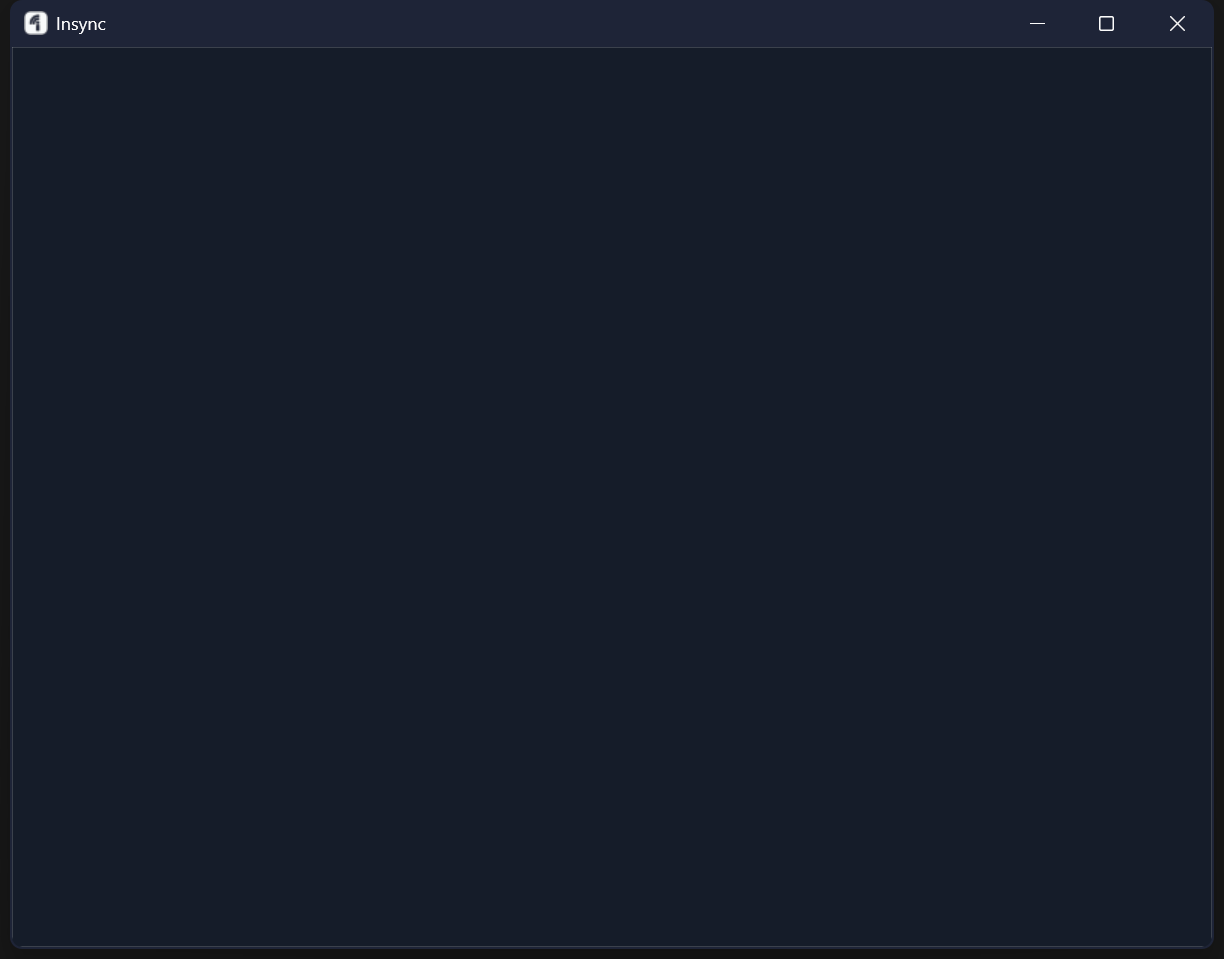
When launching Insync, the application window opens but remains completely blank (white screen). The UI never loads, making it impossible to interact with the application.
Additionally, background synchronization is not working. Files are not being synced, and Insync appears to be non-functional even after restarting the application.
I found several reports in the Insync forums describing similar blank UI issues on Windows, including reports affecting Windows 11 users.
Steps to Reproduce
-
Launch Insync.
-
Wait for the application to initialize.
-
The main window remains blank/white indefinitely.
-
No synchronization occurs in the background.
Expected Behavior
-
The Insync UI should load normally.
-
Background synchronization should start and function correctly.
Actual Behavior
-
The application window stays completely blank.
-
No background synchronization occurs.
Troubleshooting Already Attempted
-
Deleted
%APPDATA%\Insyncand%LOCALAPPDATA%\Insync, then restarted Insync. -
Performed a complete uninstall and reinstalled the latest version.
-
Updated GPU/video drivers to the latest available version.
-
Rebooted the machine after reinstalling.
Additional Information
-
Issue persists after a clean reinstall.
-
Issue persists after removing all Insync user data.
-
No change after updating graphics drivers.
C:\Users\hugou\AppData\Roaming\Insync\App\asyncio\base_events.py:609: RuntimeWarning: coroutine ‘JSHandler.__await_and_return_result’ was never awaited
RuntimeWarning: Enable tracemalloc to get the object allocation traceback
Exception in thread CoreLoopThread:
Traceback (most recent call last):
File “ideskasync\coreloop.py”, line 273, in run_loop
File “asyncio\base_events.py”, line 539, in run_forever
File “asyncio\base_events.py”, line 1739, in _run_once
File “selectors.py”, line 323, in select
File “selectors.py”, line 314, in _select
OSError: [WinError 10038] Foi tentada uma operação em algum item que não é um soqueteDuring handling of the above exception, another exception occurred:
Traceback (most recent call last):
File “threading.py”, line 917, in _bootstrap_inner
File “threading.py”, line 865, in run
File “ideskasync\coreloop.py”, line 275, in run_loop
File “asyncio\runners.py”, line 62, in _cancel_all_tasks
File “asyncio\base_events.py”, line 571, in run_until_complete
File “asyncio\base_events.py”, line 539, in run_forever
File “asyncio\base_events.py”, line 1739, in _run_once
File “selectors.py”, line 323, in select
File “selectors.py”, line 314, in _select
OSError: [WinError 10038] Foi tentada uma operação em algum item que não é um soquetePython WNDPROC handler failed
Traceback (most recent call last):
File “ideskwin_task_bar.py”, line 170, in _on_taskbar_event
File “ideskwin_task_bar.py”, line 264, in _show_app_dialog
File “ideskcore\insync_core.py”, line 105, in on_tray_icon_click
File “ideskcore\insync_core.py”, line 108, in show_app_dialog
File “ideskui\htmlui.py”, line 73, in show
File “ideskwin\htmlui_impl.py”, line 81, in show
File “ideskui\appui.py”, line 649, in on_show
File “ideskasync\coreloop.py”, line 130, in wrapper
File “ideskasync\coreloop.py”, line 45, in run
File “asyncio\tasks.py”, line 813, in run_coroutine_threadsafe
AttributeError: ‘NoneType’ object has no attribute ‘call_soon_threadsafe’