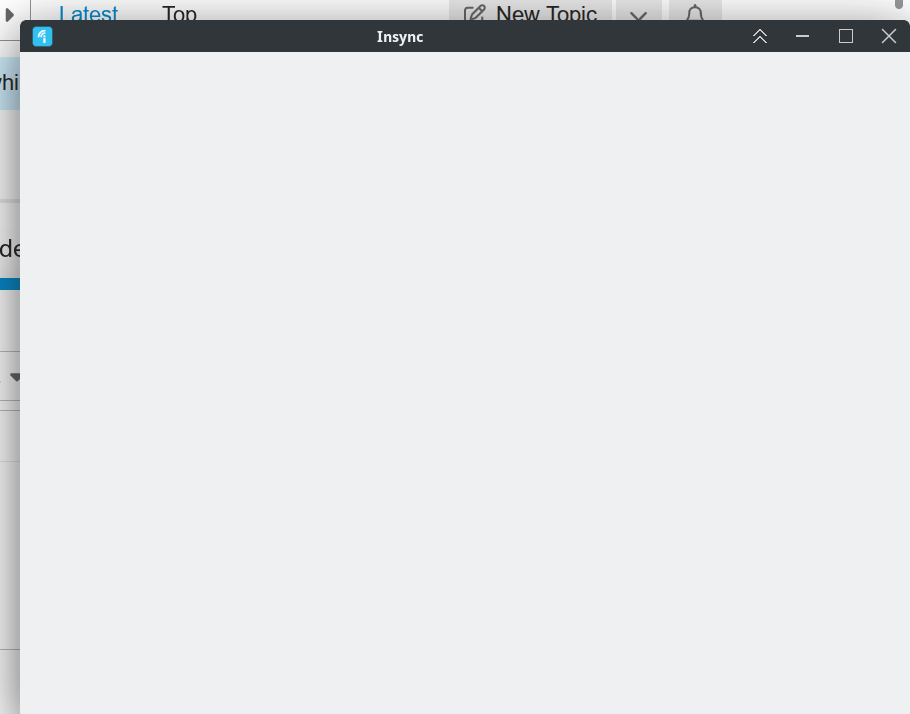
Insync version: 3.9.6.60027
Operating System: Manjaro Linux
mia
August 1, 2025, 8:18am
2
Hello! Could you let me know if there are any proxy settings or antivirus software that could be blocking Insync?
No, none of them. The same problem also occurs in Wayland.
mia
August 5, 2025, 9:37am
4
Apologies for the late revert, @Guido_Iodice ! Allow me to forward this to our engineers for further investigation.
@mia do you have any news?
mia
September 4, 2025, 1:29am
7
@Guido_Iodice So sorry for not having an update sooner for you! Let me reach out to our team to follow up on this.
mia
September 9, 2025, 10:22am
8
@Guido_Iodice Thank you for waiting! Could you share the output of the following commands?
lsb_release -a
Our engineer will check this out further as he tested it out on Manjaro Linux KDE without any issue.
LSB Version: n/a#1 SMP PREEMPT_DYNAMIC Thu, 04 Sep 2025 17:40:14 +0000 x86_64 GNU/Linuxhttps://manjaro.org/ ”https://wiki.manjaro.org/ ”https://forum.manjaro.org/ ”Help – Manjaro ”Privacy Policy – Manjaro ”
Please note that I am using Manjaro “unstable”, which is equivalent to Arch Linux, therefore with Plasma 6.4.4.
Operating System: Manjaro Linux
mia
September 9, 2025, 11:47am
10
Thanks very much for the speedy reply, @Guido_Iodice ! I’ve forwarded this to our engineer for further investigation.
any news? The problem is still present.
mia
October 8, 2025, 9:38am
12
@Guido_Iodice My apologies for the delay! I’ve sent another follow up to our Linux Team to get this sorted out as soon as possible.
mia
October 10, 2025, 6:33am
13
Thank you for your patience!
Could you try reinstalling Insync? Make sure to uninstall Insync first, then delete the Insync install files (it should be in a similar location as /usr/local/lib/insync). Afterwards, you can install Insync normally.
Let me know how it goes!
This was the first think I did…
mia
October 13, 2025, 12:46pm
15
@Guido_Iodice Thank you for confirming and apologies for the persistent issue! I’ve sent our team a follow up so we can get to the bottom of this.
any news? This makes Insync almost unusable, especially when it comes to correcting errors.
mia
January 12, 2026, 10:05am
17
@Guido_Iodice Apologies for the very long wait. Could you confirm if you’re still on Manjaro v25.0.9? If not, what’s your current Manjaro version?
I found ho to circumvent the problem:
QTWEBENGINE_CHROMIUM_FLAGS="--no-sandbox" insync start
mia
February 9, 2026, 4:09pm
19
Thank you for sharing this workaround. Could you confirm your Manjaro version?
EDIT: please disregard, it seems like you’ve answered that question here .