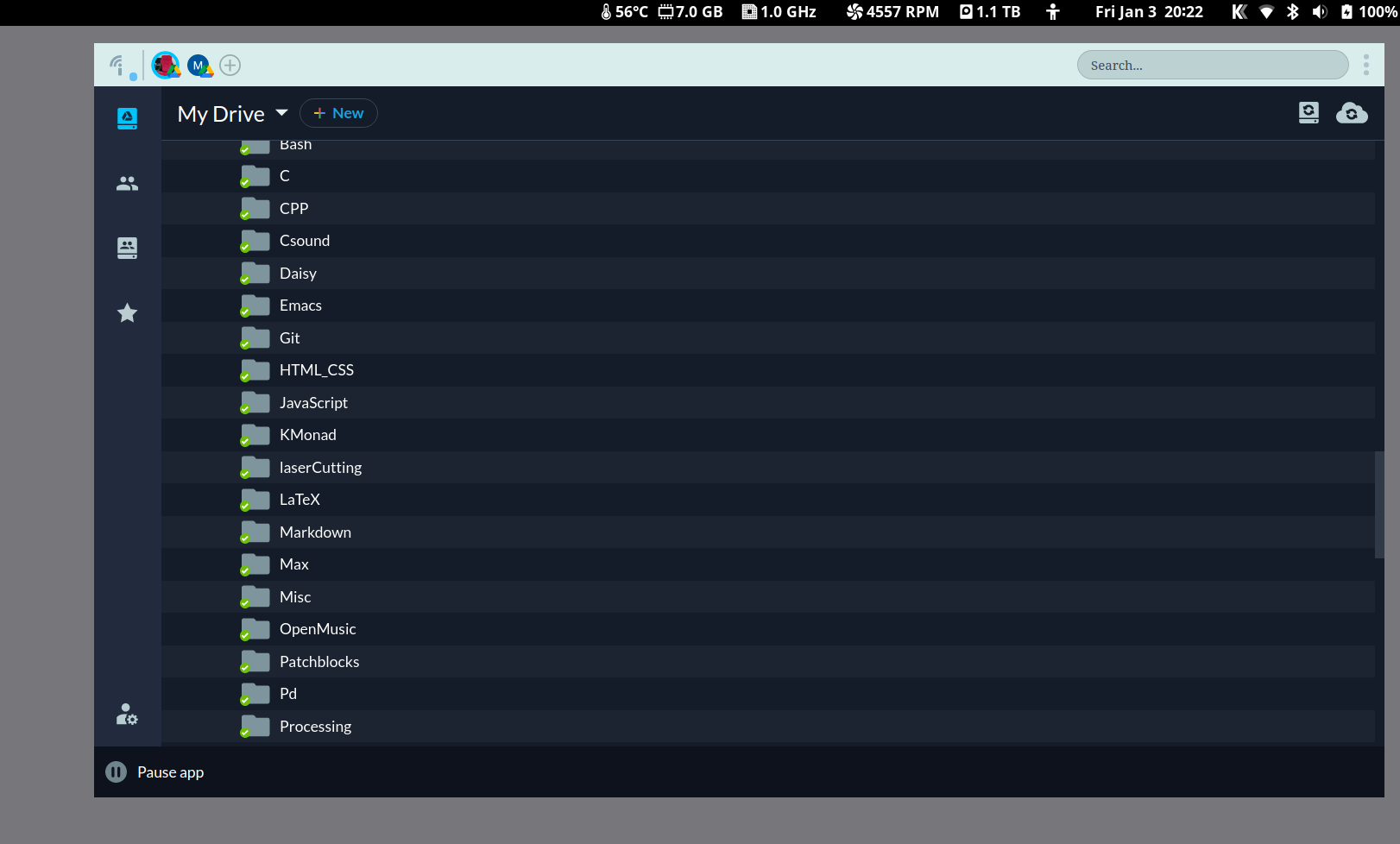
After installing the Insync package from the AUR on Manjaro, running Gnome using Wayland, the main program window has no client side decorations, and there is no status icon in the top bar. Some actions then become cumbersome, such as moving or resizing the window; closing the program can only be done via killing the process on system monitor; checking the sync status requires opening the window.
As extra info, my second laptop with an older installation of the exact same OS version, but running Gnome under X11 instead of Wayland, shows no problem.
Hi @mC_mC_mC! This is a known issue that has been reported by a couple of other users. I have alerted our engineers regarding this so we can determine when the fix would be lined up.
Then add env QT_QPA_PLATFORM=xcb before insync start on the Exec line, save and exit, wait a few seconds for Gnome to see the changes, stop and then restart insync.