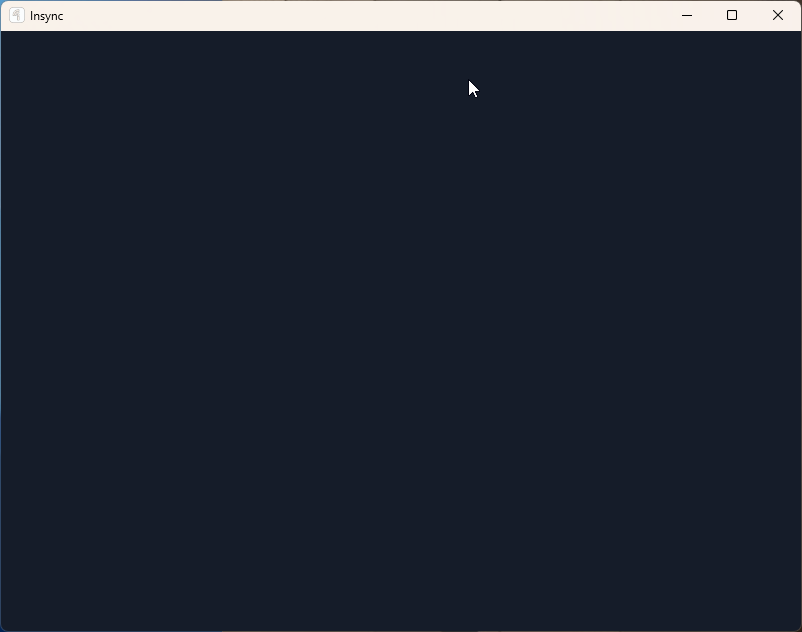
The original setup was able to be completed and syncing has started, now when I look at the config menu window it’s just blank.
Windows 11 24H2 Build 26100.3194
Insync-3.8.7.50505
No anti virus and no firewall.
Could anyone help me, please?
The original setup was able to be completed and syncing has started, now when I look at the config menu window it’s just blank.
Windows 11 24H2 Build 26100.3194
Insync-3.8.7.50505
No anti virus and no firewall.
Could anyone help me, please?
Hi @andresantos,
It seems like there are other users experiencing a similar issue, but instead are seeing a white screen.
Can you let me know if you’ve tried doing a full uninstallation + reinstallation? Here are some helpful guides:
I’m experiencing the same issue (sometimes blank GUI, sometimes black, sometimes it seems OK ma it is actually blocked). The “out.txt” file containes logs like the following:
AttributeError: 'NoneType' object has no attribute 'call_soon_threadsafe'
Traceback (most recent call last):
  File "display_handler.pyx", line 59, in cefpython_py37.DisplayHandler_OnTitleChange
  File "ideskwin\htmlui_impl.py", line 334, in __OnTitleChange
  File "ideskui\htmlui.py", line 118, in on_title_change
  File "ideskui\uidata.py", line 114, in handle_request
  File "ideskasync\coreloop.py", line 130, in wrapper
  File "ideskasync\coreloop.py", line 45, in run
  File "asyncio\tasks.py", line 813, in run_coroutine_threadsafe
or
AttributeError: 'NoneType' object has no attribute 'call_soon_threadsafe'
Python WNDPROC handler failed
Traceback (most recent call last):
  File "ideskwin\htmlui_impl.py", line 318, in __OnMove
  File "ideskui\appui.py", line 664, in on_move
  File "ideskasync\coreloop.py", line 45, in run
  File "asyncio\tasks.py", line 813, in run_coroutine_threadsafe
Apologies for the trouble!
@scalonima Could you send the logs.db and out.txt files to support@insynchq.com? Please also include the link to this post.
Furthermore, is there any antivirus or proxy settings that could be blocking Insync?