I don’t use the Windows client frequently, but since today I am receiving a message that Smart App Control blocked Insync when I tried to start it. After reading the Windows documentation, it appears that the only way is to disable Smart App Control completely, because there is no option to whitelist an app.
Hello, @fvclaus!
Could you please try the following:
- Uninstall Insync
- Download the installer from Windows - Download Insync
- Right-click the installer then click
Properties - If you see an
Unblockcheckbox, enable it. - Run Insync normally
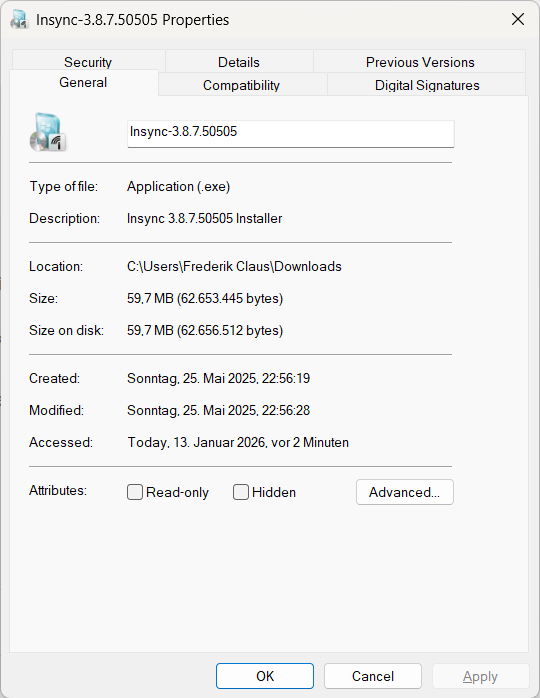
It is also not under “Advanced…” or “Security”
That is odd. This is what I see on my end:
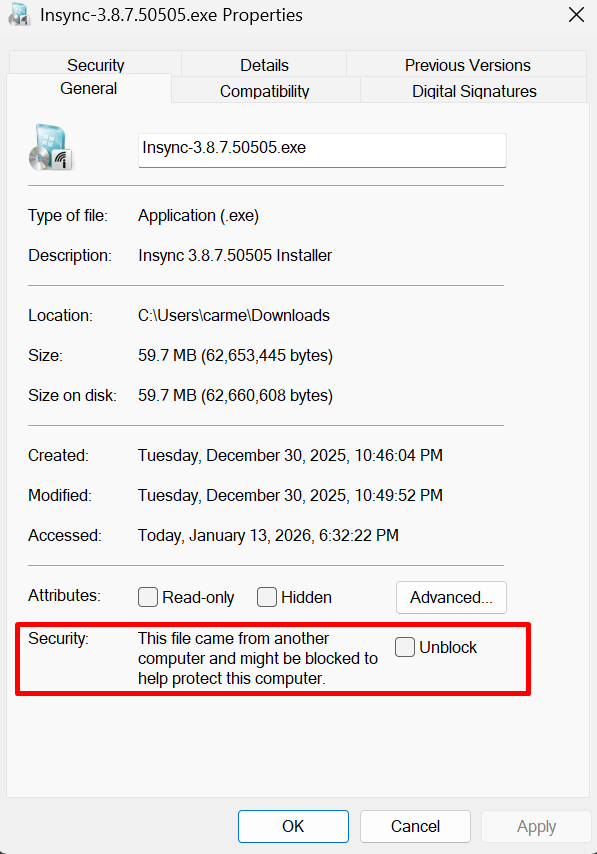
Is it possible to temporarily disable Smart App Control, then re-do the steps above and see if it makes any difference?
I’m having the same problem - Windows 11 “Smart App Control” won’t let me start Insync any more. I did a clean install of Win 11 recently and it was working but now it won’t and the only way around it is to disable the feature entirely
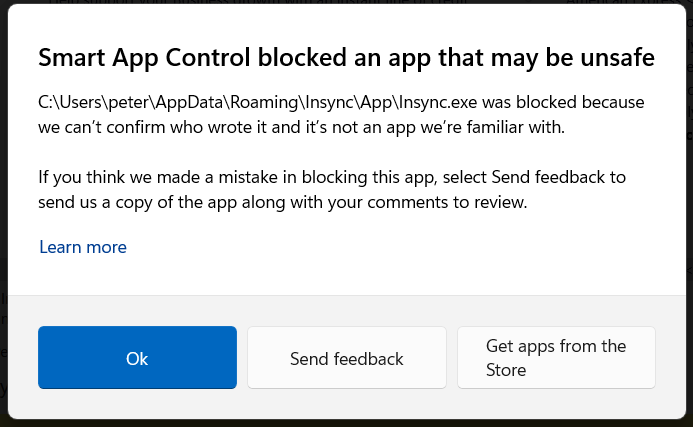
Insync need to digitally sign the app - it is currently unsigned. It also hasn’t been updated for over 2 years.
There is no option to unblock it
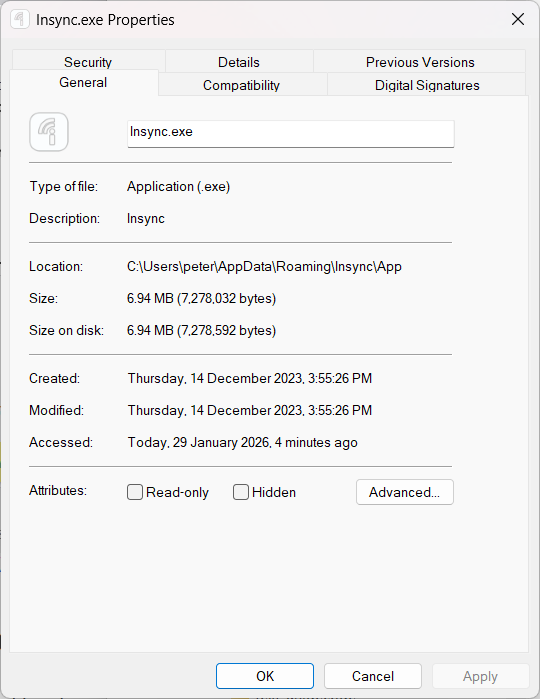
There is no digital signature
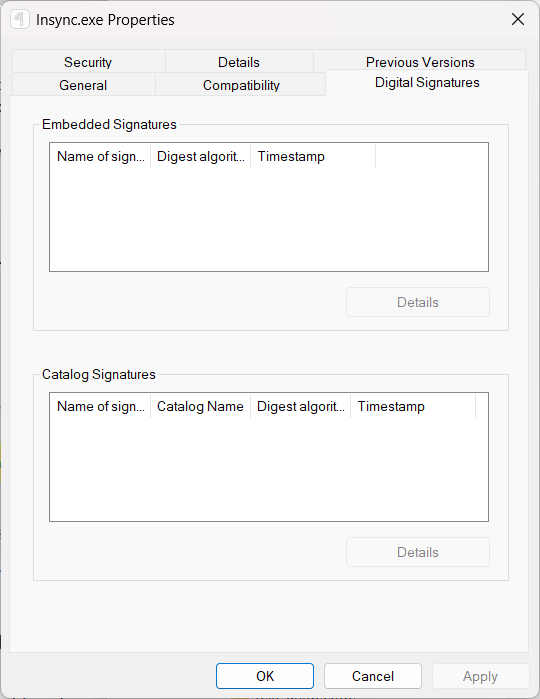
Please get the developer to read this page:
specifically the pages linked in a question towards the bottom:
I’m an app developer, how can I get Smart App Control to not block my app?
The simple answer is, sign your app with a valid certificate.
I’m REALLY annoyed by this - I’ve based our setup around multiple sync accounts using Insync. The only way I can continue to have people working is to turn off Smart App Control. The only way I can turn that security feature back on is to reset my PC and have to reinstall EVERY program and then set them all up again. That isn’t going to happen - it’s days of work - so now I’m stuck with reduced protection
I’ve escalated this to our Windows team for further investigation. I’ll update you as soon as I have their response.