WSL2 unauthorized_client

I am following the get started guide for insync-headless inside WSL2 but the command insync-headless account add -a [code] -c gd keeps returning

Sorry, an error occurred: (<HTTPStatus.UNAUTHORIZED: 401>, b'{\n  "error": "unauthorized_client",\n  "error_description": "Unauthorized"\n}') 

I understand this step is required to start syncing my files properly from inside wsl2

PD: I checked that when I give an incorrect code it returns a differente error i.e. Sorry, an error occurred: Auth code received is invalid. Please try again.

1 Like

@falwir hello! Apologies for the trouble. Let me forward this to our engineer for feedback and advise.

@falwir Could you update to 3.2.6? New Headless version: 3.2.6 and let me know how it goes?

same here.

<HTTPStatus.UNAUTHORIZED: 401>, b’{\n “error”: “unauthorized_client”,\n “error_description”: “Unauthorized”\n}’>

Debian Buster insync-headless. Have another account working.

would love to, put the links to version 3.2.6 are not operational. I would like to state that this is NOT freeware.

@conejero I have requested the links to be re-activated following your post on the 3.2.6 thread. Thank you for your patience!

Hi I successfully added my account using the updated version

However when I use “insync-headless account show” it says “Subscription: Office Trial (expired)” and when I use “insync-headless selective-sync” it throws an error stating “KeyError: ‘subscription-expired’” which I interpret as a not properly configured machine

Following this link I use the machine ID returned from “insync-headless subscription show” to Assign it at Sign in Insync via Google Drive, OneDrive, or Dropbox

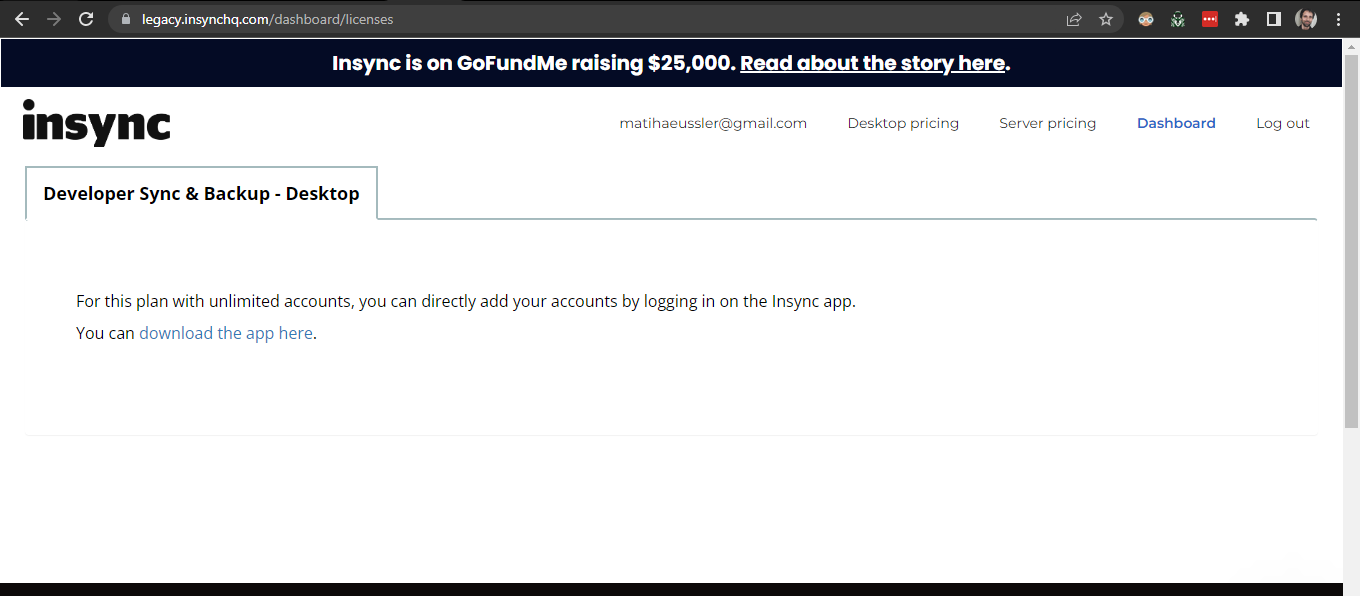
However this location shows me the following instead of the option to assing the machine ID to my subscription

What should I do? Thanks for this software

1 Like

Hi @falwir! Looks like I have reached out to you as well via our chat/email support lines!

This license type does not support Insync-headless. I’d be happy to assist you in making sure you have the correct license to get Insync-headless working. Please make sure to check your inbox for instructions!