I’ve just gone looking for the “don’t sync new children” setting but can’t find it… I found this post explaining that it’s in the settings of the drive, accessed via the ‘gear’ icon, which is where I remember it being:
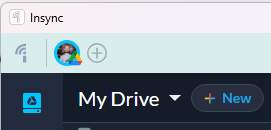
… trouble is, this doesn’t exist now. There’s a bit ‘new’ dropdown instead.
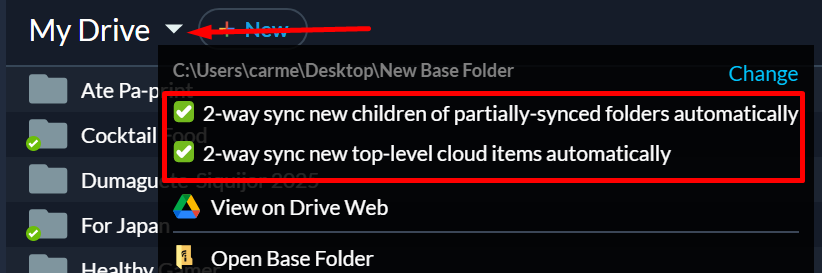
Hi @BenHymers, not a bug-- sorry for the trouble! We moved a few things on the UI some time later. That setting should be in the dropdown as shown below.