I’ve had to reset Insync after a drive failure by removing and re-adding my account. My regular OneDrive files are showing up correctly, as is the Sharepoint contents. However the “Shared” area, which should contain a number of folders has one solitary file and no folders at all.
If I use the “View on OneDrive Web” link from the “Shared” menu, this takes me to a OneDrive login (despite my browser already being logged in) which then gives an error after I enter my email address without asking for my password.
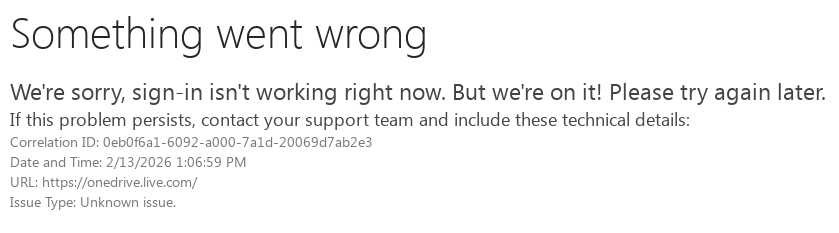
So it seems that the link being used to view on the web might be incorrect wrong.
If I go to one drive using the Web browser without using the link from Insync, and look at the content that is shared with me, I can see many files and folders including the single file that Insync is finding. Prior to the re-install I had shared folders synced reliably, but I can now find now way to select them because they simply do not appear on the list.
Please note that I am accessing a Business OneDrive not a personal one.